In the rapidly evolving tech landscape, understanding the differences between server RAM and desktop RAM is crucial for informed purchasing decisions. According to a recent report by TechInsights, the market for server RAM is projected to grow significantly, reaching $17 billion by 2025. Notably, Dr. Samuel Keys, a leading expert in the field, states, "Choosing the right RAM is vital for performance and reliability." His insights highlight the necessity of evaluating features unique to server RAM.
Server RAM is designed for high availability and often includes error-correcting code (ECC) to prevent data corruption. In contrast, desktop RAM typically prioritizes speed and overall performance for everyday tasks. This distinction becomes essential when selecting hardware for specific applications. Performance benchmarks show that server RAM can handle multiple simultaneous tasks without compromising efficiency. For users, understanding this distinction is foundational.
It's tempting to overlook these differences when purchasing. Many assume that any RAM will suffice. However, this mindset can lead to suboptimal performance and reliability. Investing time in research is necessary. Taking this approach ensures that the right type of RAM is chosen, balancing both capability and reliability in a demanding environment.
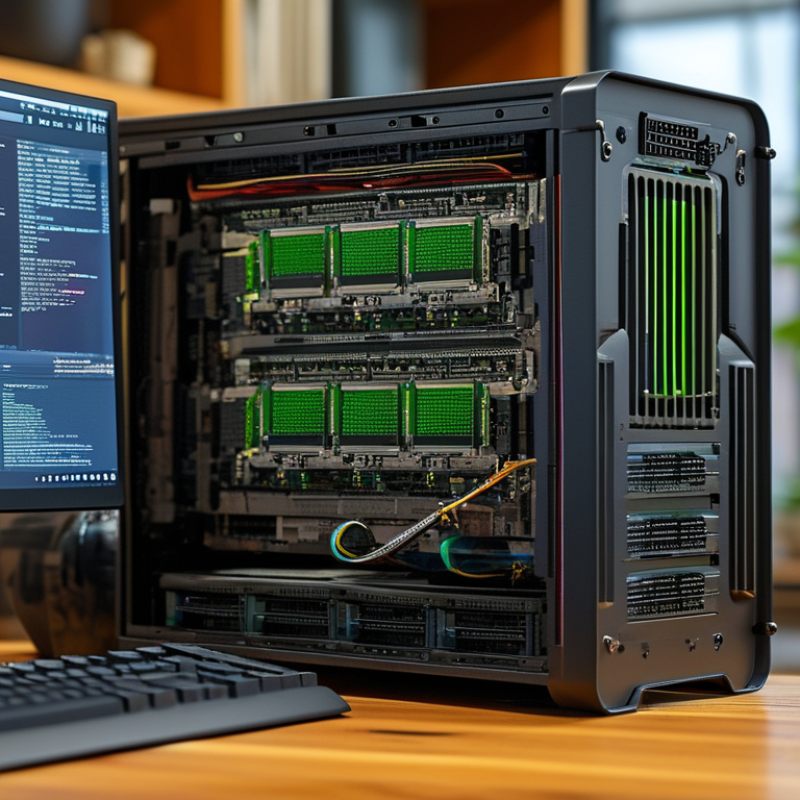
Key Differences Between Server RAM and Desktop RAM
When considering RAM for servers versus desktops, there are notable differences that can affect performance.
Server RAM is typically built for reliability. It often features error-correcting code (ECC) which helps prevent data corruption. In contrast, desktop RAM usually prioritizes speed and cost-effectiveness over such reliability measures. This means desktop systems may struggle with data integrity issues during heavy loads, something that rarely affects servers.
Another key difference lies in the capacity and scalability of RAM.
Server RAM often supports higher capacities than desktop variants. This is crucial for servers managing large databases or high traffic. Desktops usually max out at lower limits suitable for general use. Additionally, server RAM is optimized for multitasking. It can handle multiple processes simultaneously without compromising performance. This versatility is essential in environments where uptime is critical.
Buyers should be clear about their needs when choosing between these two types of RAM. For everyday tasks, desktop RAM suffices. However, for applications demanding high availability and speed, server RAM is indispensable. Understanding these differences can significantly influence the overall efficiency of the system.
Performance Metrics: Speed, Latency, and Bandwidth in RAM
When choosing RAM for servers versus desktops, performance metrics are crucial. Speed, latency, and bandwidth play significant roles in how effectively the RAM will perform. Server RAM typically supports higher speeds, allowing it to handle larger workloads. For instance, speeds can range from 2133 MHz to over 3200 MHz. In contrast, desktop RAM often operates in the same range but can sometimes be overclocked for enhanced performance.
Latency is another key factor distinguishing server and desktop RAM. Latency measures the time taken for RAM to respond to requests. Server RAM usually has lower latency. This makes it reliable for multitasking and data-intensive applications. Desktop RAM might not prioritize low latency as much since average home users require less immediate responsiveness.
Lastly, bandwidth is essential for overall performance. Server RAM has a higher bandwidth to manage multiple user requests simultaneously. This is particularly important in environments like data centers, where data flows continuously. Desktop RAM can suffice for day-to-day tasks but may struggle under heavy loads. Buying the right RAM requires consideration of these metrics to ensure optimal performance for your specific needs.
ECC vs. Non-ECC: Error Correction in Server RAM
When choosing between server RAM and desktop RAM, one pivotal difference is the presence of Error Correction Code (ECC) in server RAM. ECC memory detects and corrects data corruption, significantly enhancing reliability. This is vital in server environments where data integrity is paramount. Non-ECC memory, while faster and less expensive, lacks this vital error-checking feature.
ECC can prevent data-related crashes and ensure smooth operation in critical applications. Servers often handle vast amounts of data, and even a minor error could lead to substantial consequences. For those working in mission-critical sectors, opting for ECC RAM is a sound choice.
When selecting RAM, consider your needs. Ensure your motherboard supports ECC if you choose server RAM. Evaluate the workload and the types of applications you run. If you mostly need speed for gaming or casual tasks, non-ECC might suffice. However, when stability is a priority, prioritize ECC options. Lastly, check compatibility; not all systems work well with every type of RAM.
Server RAM vs. Desktop RAM Key Differences and Tips for Buyers
| Dimension |
Server RAM |
Desktop RAM |
| Error Correction |
ECC (Error Correcting Code) available |
Non-ECC typically used |
| Capacity |
Higher capacity options (up to 1TB+) |
Lower capacity options (typically up to 64GB) |
| Speed |
Varies, typically optimized for throughput |
Varies, optimized for latency |
| Form Factor |
DIMM or RDIMM |
DIMM |
| Usage |
Server applications, heavy multitasking |
Gaming, general use |
| Price |
Generally more expensive |
Generally less expensive |
Form Factor Variations: DIMM vs. SO-DIMM in RAM Modules
When choosing RAM for servers versus desktops, the form factor greatly influences performance and compatibility. Desktop RAM typically uses DIMM (Dual In-Line Memory Module) format. DIMMs are larger, designed to handle greater power needs and speed for gaming and multitasking. This format also allows for more pins, facilitating faster data transfer.
On the other hand, server RAM commonly utilizes SO-DIMM (Small Outline DIMM) modules. SO-DIMMs are compact, making them ideal for space-constrained environments in servers. They maintain a balance between power efficiency and performance. However, due to their smaller size, SO-DIMMs may have limitations on speed and capacity compared to DIMMs.
Buyers should consider these differences when selecting RAM modules. Understanding the form factor ensures compatibility with motherboards. It's crucial to match the RAM type with the intended use. While high-speed performance is desirable, it may not always be necessary for every application. Reflecting on the specific needs can lead to smarter purchasing decisions.
Tips for Choosing the Right RAM Based on Usage and Workload
Choosing the right RAM is essential for optimizing performance based on your specific needs. When deciding between server RAM and desktop RAM, consider your workload. If you run memory-intensive applications, server RAM may be beneficial. It typically offers higher capacities and better reliability. On the other hand, desktop RAM is optimized for gaming and standard applications. It usually has faster speeds but is limited in capacity.
Look at the tasks you perform regularly. For heavy multitasking or professional software, prioritize larger capacity options. If you mainly browse or stream, a standard setup may suffice. Consider the RAM speed as well. Faster RAM can improve overall responsiveness, particularly in desktop environments. However, for server use, stability often takes precedence over speed.
Evaluate your system’s specifications before making a purchase. Compatibility with your motherboard is crucial. Using RAM that does not match the required standards can lead to performance issues. Take time to read reviews and consult trusted sources when making decisions. Reflect on your actual usage rather than just going for the latest specs. Understanding your unique needs ensures you select the right RAM type for optimal performance.
FAQS
Server RAM supports higher capacities for managing large databases, while desktop RAM is limited to general use.
Error correction prevents data corruption, which is crucial for maintaining data integrity in critical applications.
Key metrics include speed, latency, and bandwidth, which significantly affect how RAM performs under different workloads.
Server RAM typically has lower latency, ensuring faster response times for data-intensive tasks compared to desktop RAM.
ECC RAM is ideal for critical applications, but if speed is the priority, non-ECC may be sufficient for everyday use.
Desktop RAM may struggle under heavy loads, while server RAM is optimized for multitasking and high-demand environments.
No, ensure your motherboard is compatible with ECC RAM if you decide to use it for server applications.
Yes, desktop RAM can sometimes be overclocked, but this may not be as necessary for server RAM.
Consider your specific needs: choose speed for gaming or reliability for critical applications.
Conclusion
When considering Server RAM vs desktop RAM, it's essential to understand the key differences that influence performance and usage. Server RAM typically offers higher speeds, lower latency, and increased bandwidth to meet the demands of multitasking and data-intensive applications in a server environment. In contrast, desktop RAM is designed for general computing tasks and may not meet the stringent performance requirements necessary for critical server operations.
Furthermore, the distinction between ECC (Error-Correcting Code) and non-ECC RAM highlights the reliability factor in servers, where data integrity is crucial. Another important aspect is the form factor; DIMM modules are standard for servers, while SO-DIMM is commonly used in laptops and compact systems. When choosing RAM, buyers should consider their specific workload and usage requirements, ensuring they select the appropriate type of RAM that aligns with their system needs.

 Corexis Memory